How a pendant works, in plain terms
Most systems have three parts.
1. The trigger: a button on a pendant, wristband or sometimes a wall unit. Some also have automatic fall detection; see fall detection watch guide. 2. The link: a radio signal to a base unit in the home (usually a few tens of metres in the open, less through walls), or a direct mobile network connection (a built-in SIM) so the device works anywhere with coverage. 3. The response: the base or device dials preset phone numbers, sends messages or alerts a monitoring centre, which phones the person, tries the contacts in order and may call emergency services.
Each step can fail: the pendant is not worn, the signal does not reach, the battery is flat, the line is down or the contact does not answer. A good set-up reduces each risk. The full chain is explained in how an emergency alert system works.
Types of pendant and alarm
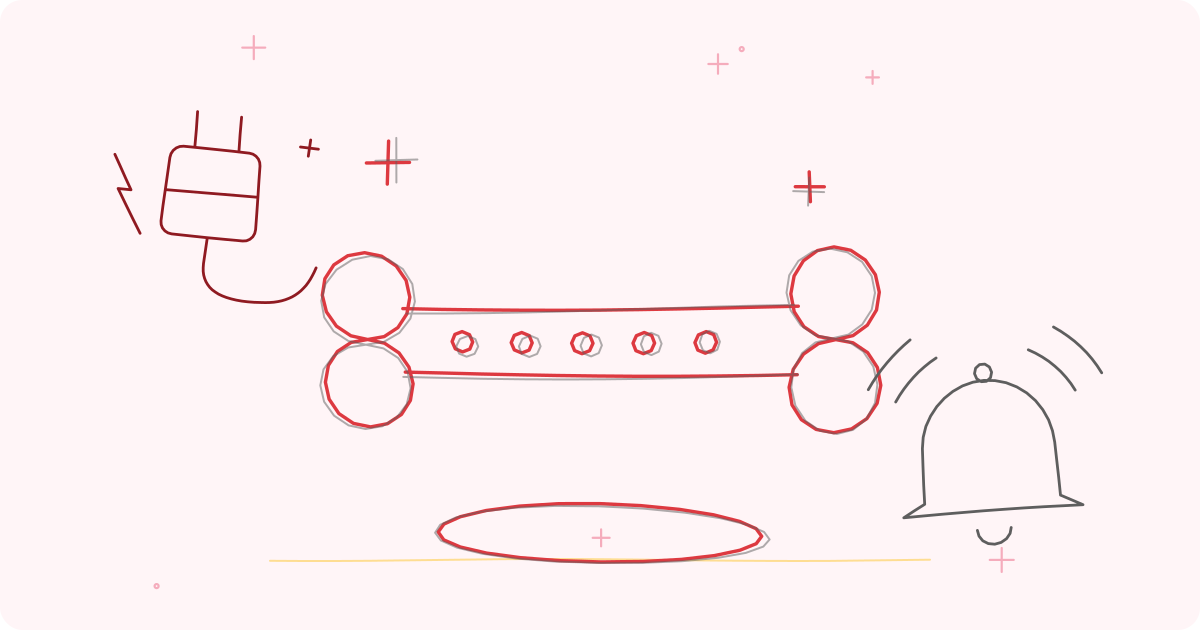
Base-unit pendants. A pendant plus a plug-in base with a speaker and microphone. Pressing the button makes the base dial out, and the person can speak through the base from across the room. Good for people who stay mostly at home. Weak points: range limited to the home, and dependence on power, a phone line or a SIM in the base; check what happens in a power cut.
Mobile pendants with a SIM. A pendant with its own SIM and often GPS, which works inside and outside the home. Suits people who walk to the park, temple or market. Needs charging, usually every few days, and a SIM with data and call credit or a service plan.
Smartwatch or fall-detection watch. A wrist device that combines a button, fall detection, perhaps GPS and heart-rate features; see fall detection watch guide and GPS tracker or smartwatch for a parent.
Phone-linked pendants. A Bluetooth button that triggers an app on the person's smartphone. Cheap, but depends on the phone being charged, nearby and working.
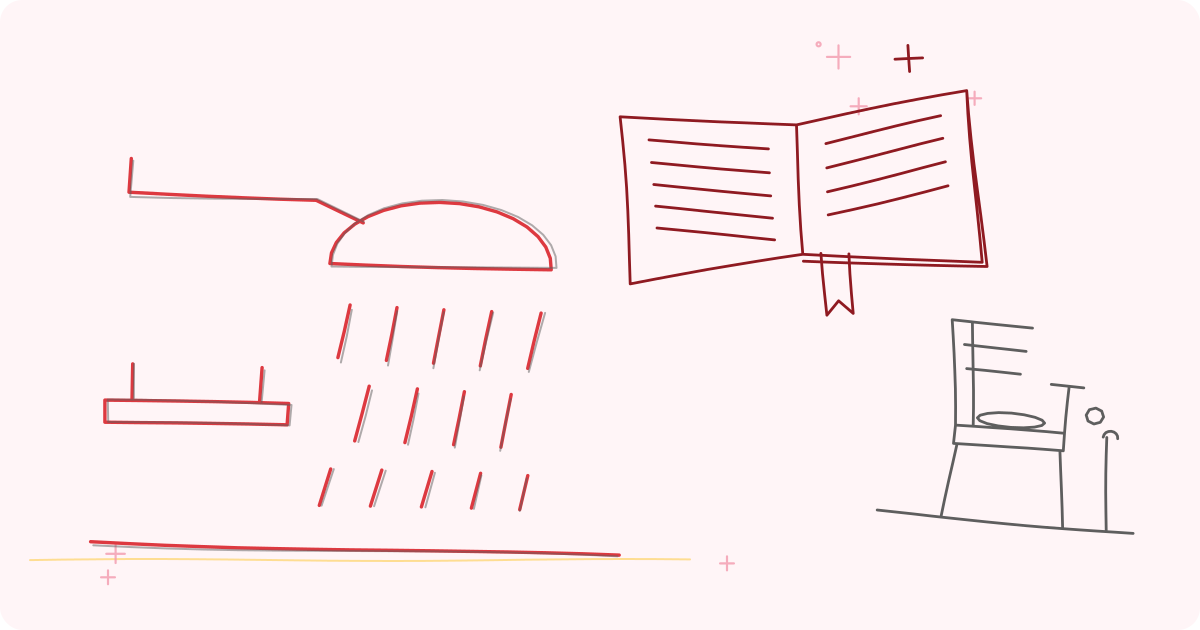
Wall or ceiling buttons and pull cords. Fixed in the bathroom, bedroom or kitchen, to complement a worn pendant; see calling for help from the bathroom.
Personal safety alarms. Small devices that make a loud noise when a pin is pulled. They draw attention from neighbours but do not call anyone. They suit someone who is out walking, and are not a substitute for a call system.
Wireless doorbell used as a call button. A low-cost option in a joint family home, where someone is always nearby and the receiver rings loudly in another room.
What to look for
Easy to press and hard to press by accident. A large, raised button that can be pressed by weak or arthritic hands, even lying down. A guard ring avoids false alarms. For people with tremor, a longer press may be better than a tap.
Wearable and comfortable. The best pendant is the one that is worn all day. Consider a lightweight pendant, a soft wristband, a clip for the belt, or a lanyard with a breakaway clasp so it will not strangle if caught. Some people prefer a wristband, which is less likely to be taken off at night.
Waterproofing. Many falls happen in the bathroom. A pendant described as waterproof should state a rating, such as IP67 or IPX7, that means it survives temporary immersion; splash-resistant is not the same. Wear it in the shower only if the maker says so.
Range. Ask for the real range through walls, not the open-air figure. Test every room, the balcony, the terrace, the lift lobby and the garden. In a large flat or house, a range extender may be needed. A SIM-based pendant avoids this but depends on mobile signal; test indoors.
Two-way voice. The person can speak and listen through the device, which helps in a fall, lets the responder reassure them and gives context.
Battery life and charging. Know how long the battery lasts, how the device warns of low battery and how easy it is to charge or replace. A pendant that needs daily charging is more likely to be forgotten; see safety device batteries and checks.
Power cuts and connectivity. The base should have a battery backup. In India, mobile data and electricity can both fail. Check what the device does if there is no signal: some record an event and retry.
Who is called and in what order. The device should allow several contacts, with retries, and ideally a monitoring centre that can escalate to emergency services. Emergency numbers in India: 112 is the all-in-one emergency number, and 14567 is the Elderline, the national helpline for senior citizens, for advice and support (not an emergency ambulance service). Many states also have an ambulance number such as 108; see ambulance and emergency numbers in India.
Language and clarity. Voice prompts in a language your parent understands.
Documentation and support. A manual, an easy set-up, a contact for faults and a way to test. See equipment returns, warranty and servicing and spotting fake or poor quality care products.
Data and privacy. If the device tracks location or records voice, check who can see the data, how it is stored, and how to stop it. See privacy and dignity with monitoring.
Questions to ask the seller
- How exactly does an alert travel from the button to a person?
- What happens if the first contact does not answer?
- Is there a monitoring centre, in what language, and at what hours? Is it staffed all night?
- What is the actual range indoors?
- Is it waterproof, and what is the rating?
- How long does the battery last and what is the low-battery warning?
- What happens in a power cut or when the internet is down?
- Does it work abroad or in another city?
- Can contacts be changed easily?
- Is there a monthly fee or SIM plan, and what does it cover? (We do not quote prices; compare plans in writing.)
- What is the return policy if my parent will not wear it?
Setting it up well
1. Involve your parent. Explain the purpose, let them try different styles and agree who will be called. People who feel it was imposed often leave it in a drawer. 2. Choose contacts carefully. The first should be the person most likely to answer fast, such as a neighbour or relative nearby. Add family further away and a monitoring service if available. Tell each contact what they are being asked to do; see responding to an alert: who does what. 3. Plan entry. Responders need to get in: a spare key with a neighbour, or a key safe. See lock and door safety for seniors. 4. Test every room by pressing the button from each place, including the bathroom and bedroom, and confirming the alert arrives. 5. Teach the routine: wear it, press it, speak, stay where you are unless in danger. Practise once a month. 6. Put the medical details where responders can find them, such as a card in the wallet or on the fridge; see emergency contact card and medical summary. 7. Plan for false alarms: agree that it is better to press and apologise than to wait. 8. Add other layers: door sensors, night lights, a phone by the bed and a check-in routine.
Common mistakes
- Buying a pendant, then not wearing it. The most common failure by far.
- Leaving it on the bedside table when going to the bathroom.
- Never testing it.
- Letting the battery run out.
- Naming contacts who are often in meetings or asleep.
- Forgetting the building: a lift or gate that stops responders from entering; see safety in gated societies and apartments.
- Assuming it will detect a fall when it only has a button.
- Relying on the device and reducing visits and calls.
What a pendant cannot do
It cannot prevent falls, replace medical care, work if it is not worn or charged, or promise that help will arrive in time. A person who is unconscious cannot press a button; a fall-detection feature may help, but it can miss falls and give false alarms; see fall detection and false alarms. Signal, power, traffic and distance all affect how fast help comes. Think of a pendant as one layer in a plan that includes a safer home, medicines review, regular contact and good neighbours; see home safety for seniors living alone.
Dignity and consent
A pendant is a signal that someone is worried, and some people hear that as "you are old and frail". Discuss it openly. Let your parent choose the design and wear it under clothing if they wish. Explain what is shared and with whom. Review the arrangement regularly. A parent who has capacity has the right to refuse; if they do, offer other options such as a regular call or a neighbour check; see managing a parent who refuses help.
When to ask a professional
Ask a doctor or occupational therapist if your parent has had falls, dizziness, fainting, memory problems or conditions that make using a pendant difficult. They can advise which device fits their abilities and how to use it, and review the causes of falls; see falls risk assessment at home. Local resident welfare associations, senior citizen groups and Elderline 14567 can advise on community support. In an emergency, call 112.
Equipment mentioned in this guide
Frequently asked questions
Does a panic pendant call an ambulance by itself?
Not usually. Most devices call preset family contacts or a monitoring centre, which may then call emergency services. Check exactly who is called, and in what order, before you buy.
Can my mother wear a pendant in the shower?
Only if it is rated waterproof, such as IP67 or IPX7, and the maker says it can be worn in the shower. Many pendants are only splash-resistant.
What if my father forgets to wear it?
Choose a style he likes, link wearing it to a routine such as dressing, and consider a wristband or watch. A fixed wall button in the bathroom and bedroom adds a back-up.
Will a pendant work without wifi?
Base-unit and SIM-based pendants usually do not need home wifi, but they need power or battery, and a phone line or mobile signal. Ask how the device behaves when signal or power fails.
Sources and further reading
- World Health Organization, Global report on falls prevention in older age (2007)
- NICE guideline NG249, Falls: prevention, assessment and management in older adults and adults at higher risk
- Ministry of Social Justice and Empowerment, Government of India, information on Elderline, the national helpline for senior citizens (14567)
- Royal College of Occupational Therapists, guidance on assistive technology and telecare
Tags: panic pendantpersonal alarmemergency buttonSOS pendantalert for elderlymedical alarmSafety and alert devicesEmergency pendantBathroom and toilet safetyHealthy ageing
This article is for general education and is not medical advice. Speak to your doctor before changing your exercise, diet or medicines.