Useful categories
Match the tool to a specific worry.
- Fall-detecting wearables and panic buttons
- Pill dispensers and medicine reminders
- Motion and door sensors that notice unusual patterns
- Video doorbells and simple tablets for calls
- Smart speakers for voice commands
- GPS trackers for people who may wander
Make it work
Involve your parent in the choice, set it up in person or by video, keep charging routines simple and test alarms. Respect privacy: agree what is shared and with whom.
Avoid the common traps
Too many apps, fiddly buttons, subscriptions no one remembers and devices that need daily charging all lead to abandonment.
How fall detection actually works
Wearables use motion sensors to detect a sudden change followed by stillness. Some alert automatically; others ask the wearer to confirm they are fine. They can miss slow falls and may raise false alarms on vigorous movement, so they supplement, but do not replace, a safe home. Check battery life, water resistance, whether the device works outside the house and how the alert is routed.
Medication reminders and dispensers
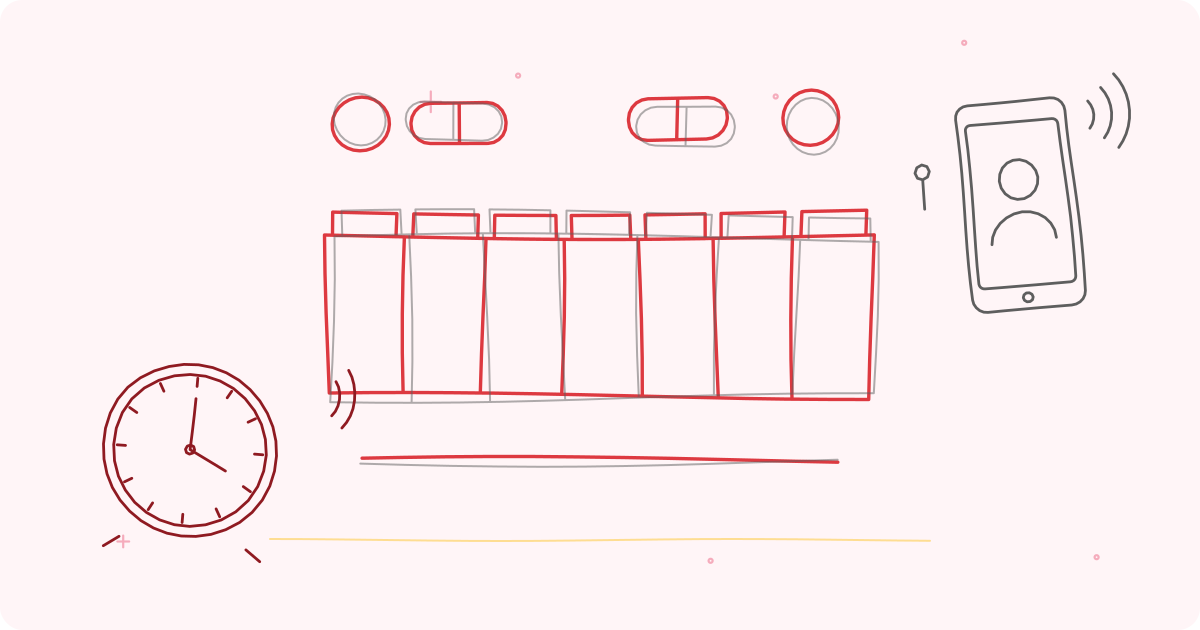
Missed or doubled doses are a leading cause of avoidable trouble for older adults. A weekly organiser filled by a family member or nurse is the simplest fix. Automatic dispensers sound an alarm and release the correct pills; some notify family if a dose is missed. Phone alarms are free and effective when the routine is simple.
Sensors and smart-home devices
Passive sensors can spot changes in routine without cameras: a door not opened by midday, no movement in the kitchen, or night-time wandering. Smart plugs can turn off a forgotten kettle, and a voice assistant lets someone call family or play music without a phone. Always discuss privacy and agree what is monitored and who sees it.
Making the connection easy
Technology that is hard to use gets abandoned. Keep devices few and simple, use the same charging spot daily, label buttons and write short instructions. Arrange a family video call at a set time each day to encourage regular use, and review once a month what is helping and what is not.
Teaching technology kindly
Choose one skill at a time, such as making a video call. Show it, let your parent try it while you watch, and write down the steps in large print. Repeat it a few days later. Avoid saying 'it's easy'; say 'it takes a few tries'. Celebrate each success. Patience and repetition win more than speed.
Staying safe from scams on phones
Older adults are frequent targets of phone and message fraud. Teach three rules: never share an OTP, PIN or password with anyone, even someone claiming to be from a bank or the police; never pay money because of a call or message that creates urgency; and always hang up and call the real number on the card or website. Agree a family code word to confirm any urgent request for money.
What to look for when buying a wearable
Battery life of several days, a clear, large display, water resistance for hand washing and showers, a strap that is easy to fasten, an emergency button that is hard to press by accident but easy to press on purpose, GPS or cellular connection if your parent goes out, and a simple alert system that reaches several contacts. Check the warranty, repairs and subscription cost, and read reviews from other families.
Keeping it working over the years
Set a charging habit: same time and place every day. Test the alert monthly and after any software update. Replace straps and batteries when worn. Review the setup twice a year: has your parent's health changed, are the right people on the contact list, and is the device still being worn? Technology serves people best when it is checked regularly and adjusted to fit.
Smart home basics for ageing parents
A few devices can make a home safer and easier: motion-sensor lights, smart plugs that turn off appliances, a video doorbell, a voice assistant to call family or set reminders, a smart lock or key safe, and sensors on the front door and medicine cabinet. Choose a hub or app that is simple, and set it up with your parent's consent. Explain what is monitored and who can see it. Start with one or two devices and add more as needed.
The aim is reassurance, not surveillance.
Privacy, consent and dignity
Technology that monitors an older person raises ethical questions. Seek their agreement, explain the benefits and limits, and respect their wishes where possible. Avoid hidden cameras. Use sensors that detect activity rather than record video, where possible. Review arrangements regularly, and be ready to remove a device if it causes distress. People with dementia may need decisions made in their best interests, with the least intrusive solution.
Dignity is as important as safety.
Equipment mentioned in this guide
Frequently asked questions
Will my parent wear it?
Wearables that look like a watch or pendant and have long battery life are most likely to be worn.
What about privacy?
Choose devices that share only alerts and activity patterns, not video, unless your parent agrees.
How much does it cost?
Prices range widely. Start with one device that solves your biggest worry.
Do these devices need a smartphone?
Some work independently with a SIM or landline; others need a phone. Check before buying.
How much internet is needed?
Most need a stable connection or mobile data. Ask about offline behaviour.
Can devices be hacked?
Use strong passwords, keep software updated and buy from reputable brands.
Which is easier, a smartphone or a basic phone?
It depends on the person. A simple phone with large buttons works well for many; others enjoy a tablet for video calls and photos.
Sources and further reading
- World Health Organization, Ageing and health (fact sheet)
- World Health Organization, Global strategy and action plan on ageing and health (2017)
- Centers for Disease Control and Prevention (CDC), STEADI
Tags: Fall-detection watchGPS trackerAmplified big-button phoneLarge-display talking clockSafety and alert devicesHearing and vision aidsDaily living aidsCare at homeHome health careElder care
This article is for general education and is not medical advice. Speak to your doctor before changing your exercise, diet or medicines.